Create a FarEarth user account
Follow these steps to create a new FarEarth User account.
Step 1
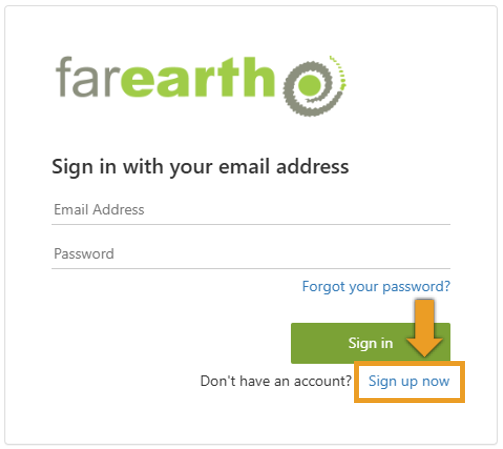
- Go to FarEarth (https://gateway.farearth.space/)
- Click SIGN UP NOW
Step 2
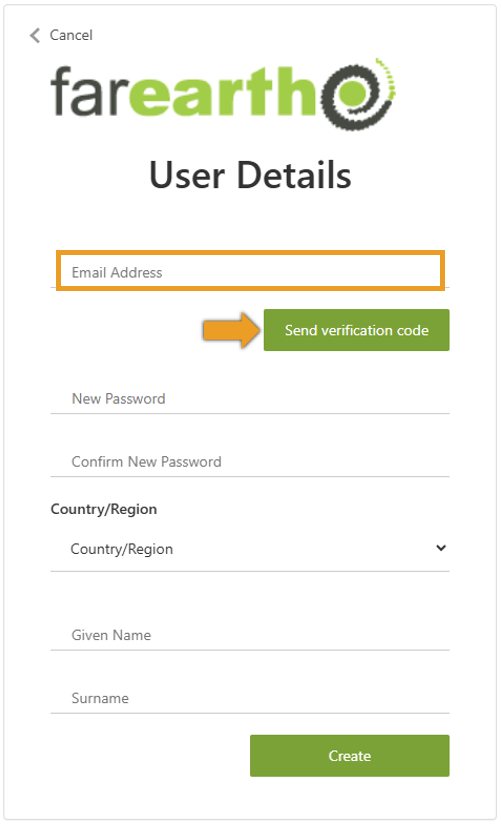
- Enter your e-mail address
- Click SEND VERIFICATION CODE
Step 3
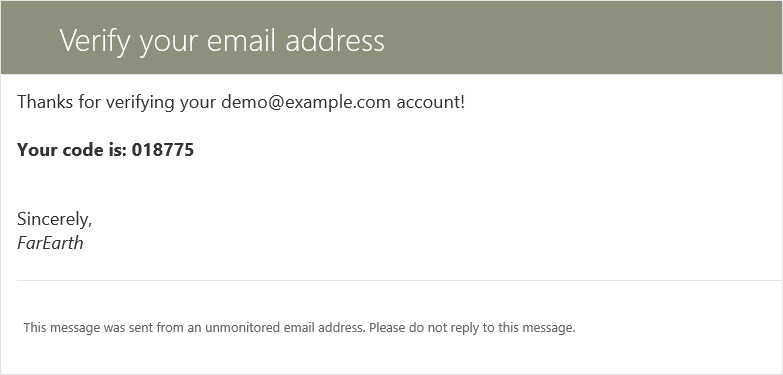
- You will receive an invitation e-mail from notification@farearth.com
- Copy your code from the e-mail
Step 4
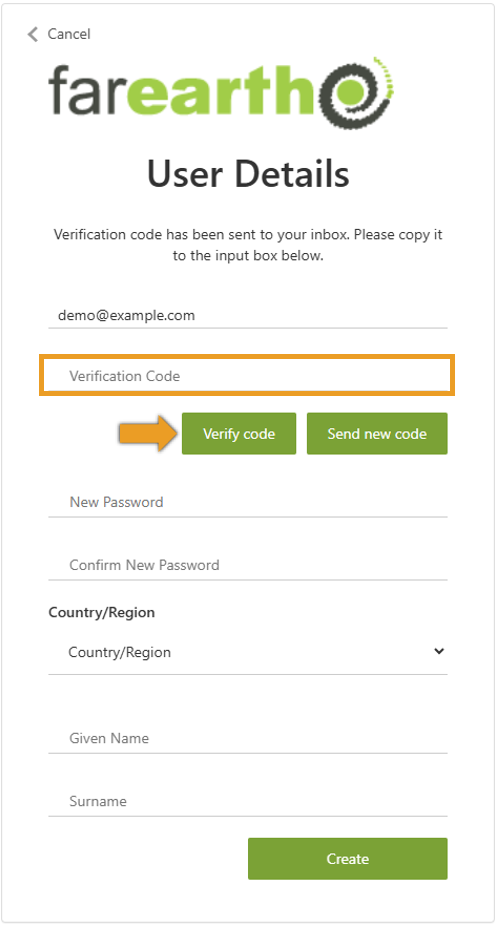
- Type in your code in the space provided
- Click VERIFY CODE
Step 5
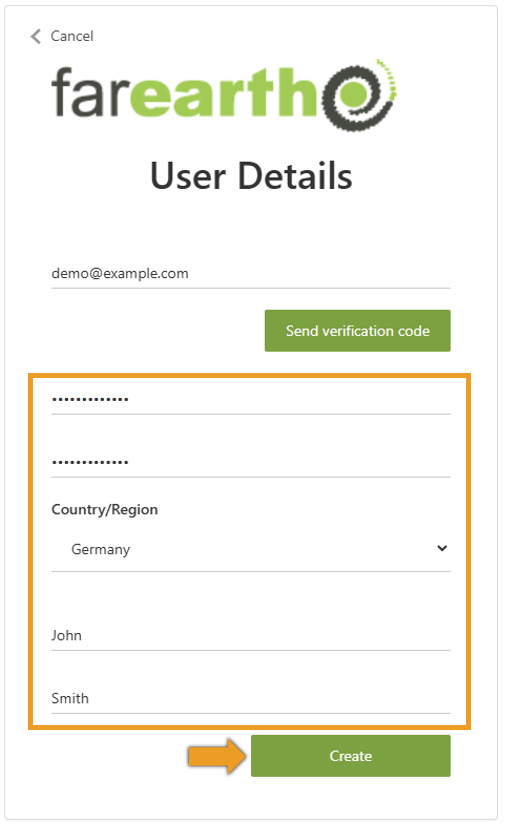
- Complete your information
- Click CREATE
info
Passwords must be 12 characters long with a combination of small and capital letters, a number and a special character.
Step 6
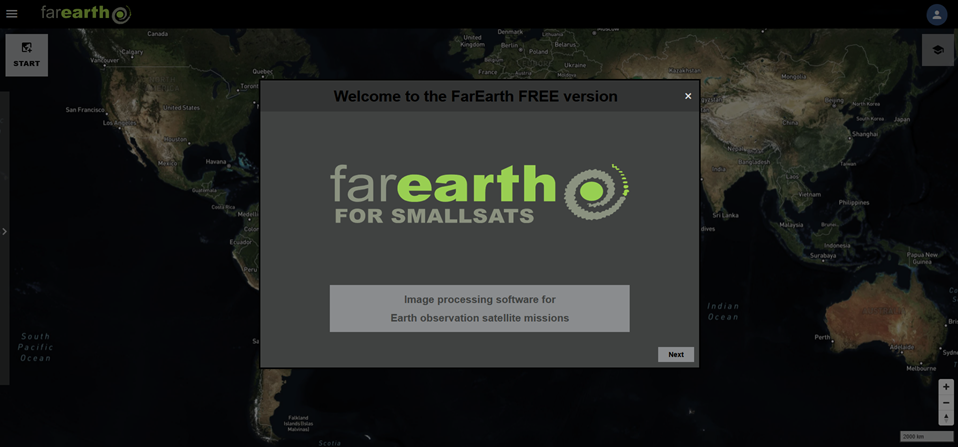
- You are now in the free version of FarEarth
Step 7
- Switch to your paid subscription

caution
If you can't switch your subscription, ask your organisation's Administrator to invite you to join their subscription.
Expected outcome
- You should now have access to FarEarth